Account & devices
Switch between families
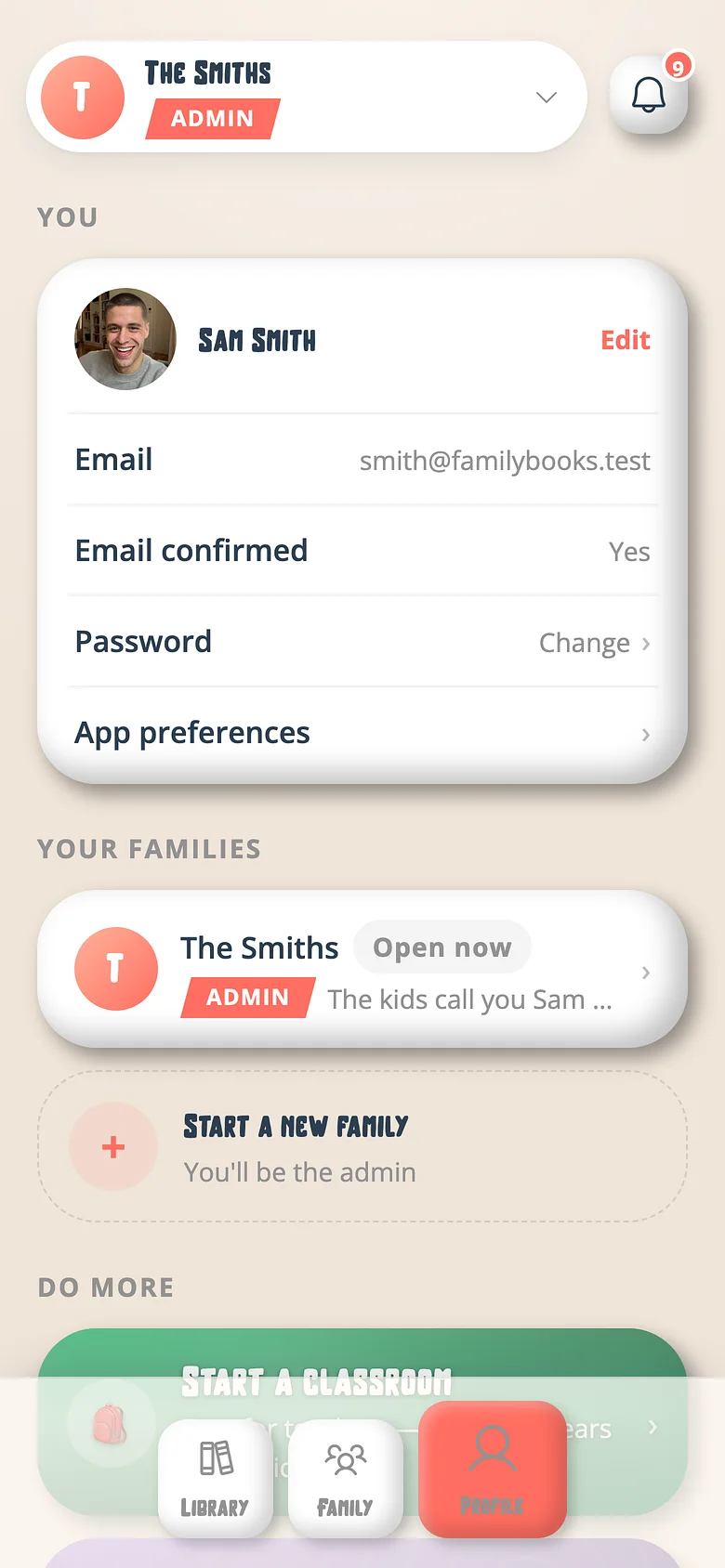
One account, every family you're in. The switcher lives on your Profile.
-
Profile → the family chip
The chip at the top of your Profile names the family you're in. Tap it. -
Pick a family
Every family you belong to is listed. Choose one; the whole app turns over to it.
Good to know
- Your profile is the same in every family; what the kids call you can differ per family.
Next
Try it with a real book
Free to start. The first page takes a minute.