Trust
Easy for you.
Closed to the kids.
Sign in with Google, Apple, Facebook, Instagram or TikTok, with a passkey, or with Face ID. Then put a PIN on the grown-up side, and a child can't reach a setting, a bill or a microphone.

Four ways in, and never only one
A password is optional. What isn't optional is a second door — you can't remove your last way in, and a lost phone is never the only key.
Google, Apple, Facebook, Instagram, TikTok
One tap on the web and in the apps. Apple on iPhone is the system's own sheet.
Passkeys
WebAuthn in a browser. No password to remember, nothing to phish.
Face ID and fingerprint
A phone remembers you behind its own biometrics. It answers the parent PIN, too.
A password, if you want one
Set one from your profile. Or don't.
The parent PIN
The grown-up side is behind a gate
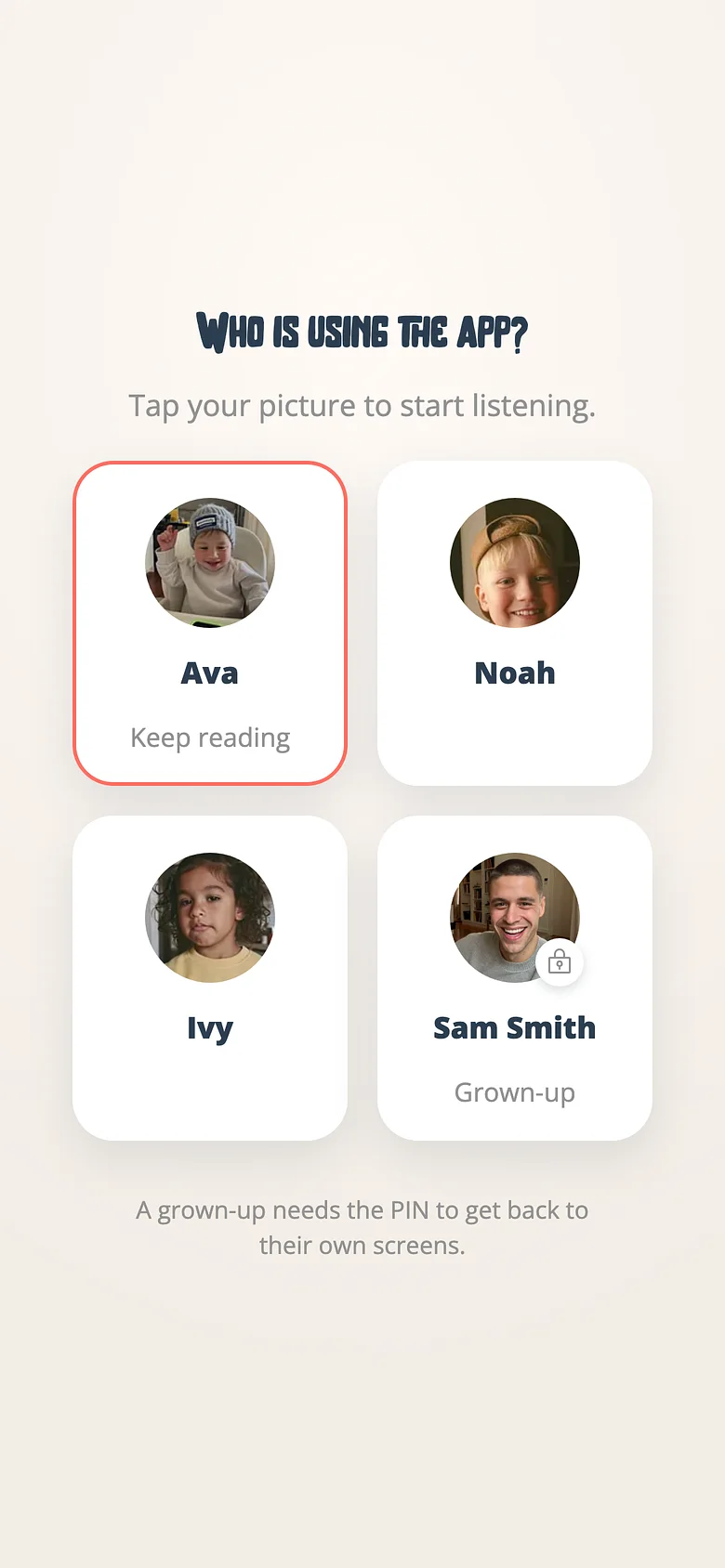
A child opens the app as themselves — their name, their shelf, their voices. Settings, billing, recording, invitations: behind a four-digit PIN that Face ID can answer for you and a five-year-old can't.
Children never have accounts. A listener profile is a first name and, if you choose, a photo. No email, no password, no personal information asked of a child, ever.
What we don't do
No ads
Not in the app, not on the site, not ever. Nothing about your family is sold or rented.
No third-party analytics
No advertising or tracking SDKs in the apps. We count what we need to run the service, ourselves.
No accounts for children
A child is a first name on a grown-up's family. That's all we know about them.
Go deeper
How-to
Set a parent PIN
Settings, billing, recording and invitations sit behind a gate. Here's how to close it.
How-to
Sign in with Face ID or a fingerprint
The phone remembers you behind its own biometrics. It's never your only way in.

Feature
The Archive Promise
Cancel any time; every recorded book keeps playing
Start with the sign-in you already have
Google, Apple, or a password. Add a PIN in a minute.