Your family
Invite Grandma and Grandpa to record
People are always free. An invitation is an email; whoever opens it is a recording artist for your family.
-
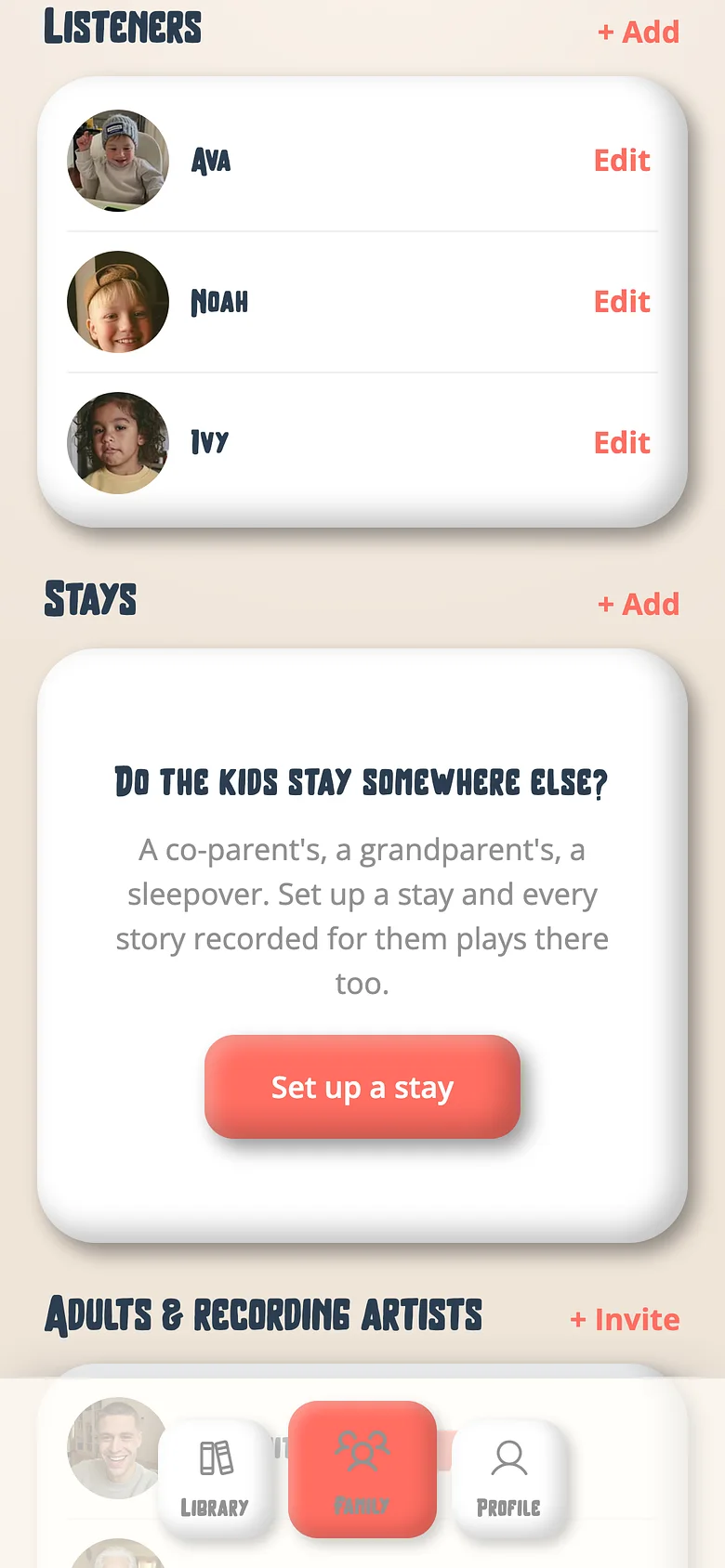
Open the Family tab
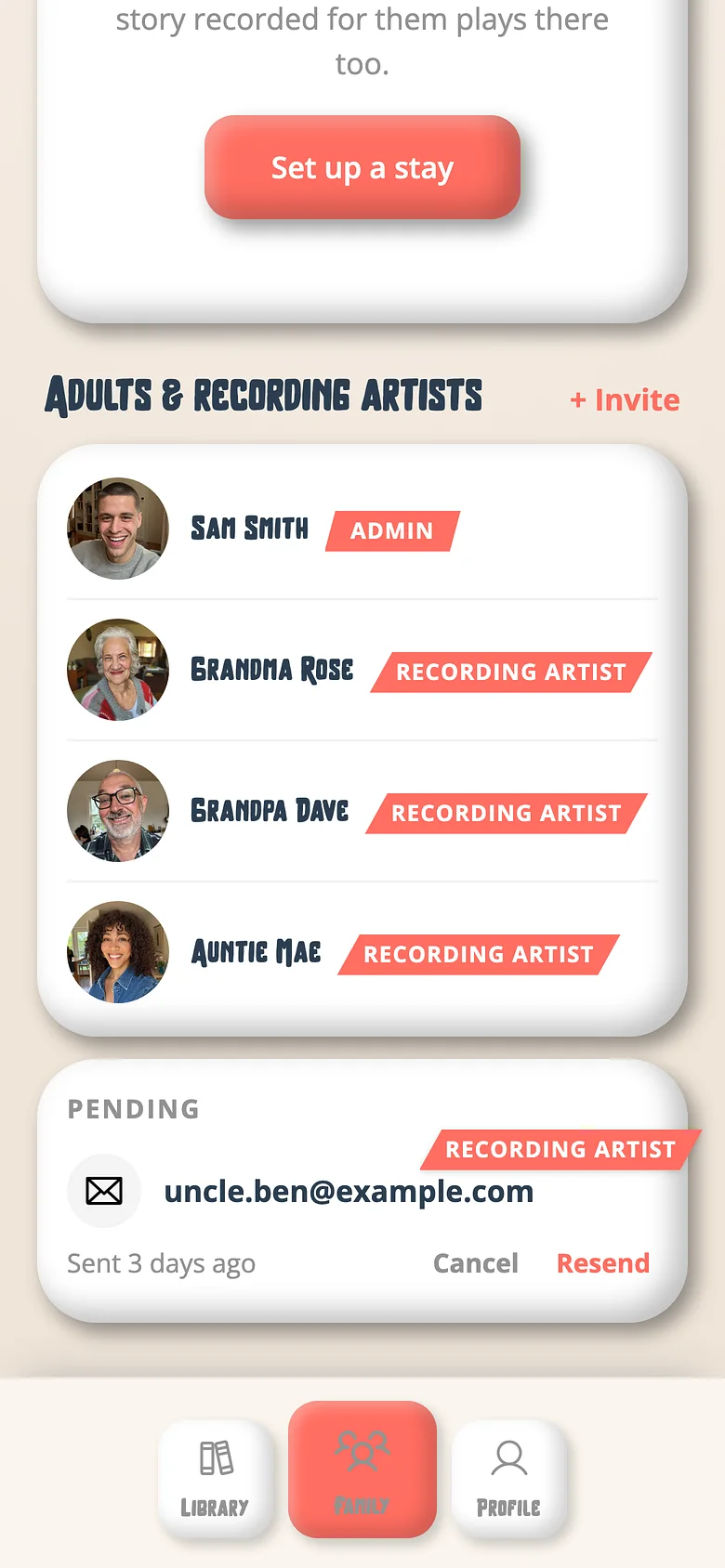
It lists the family's people — kids, grown-ups, and who's invited. -
Invite a grown-up
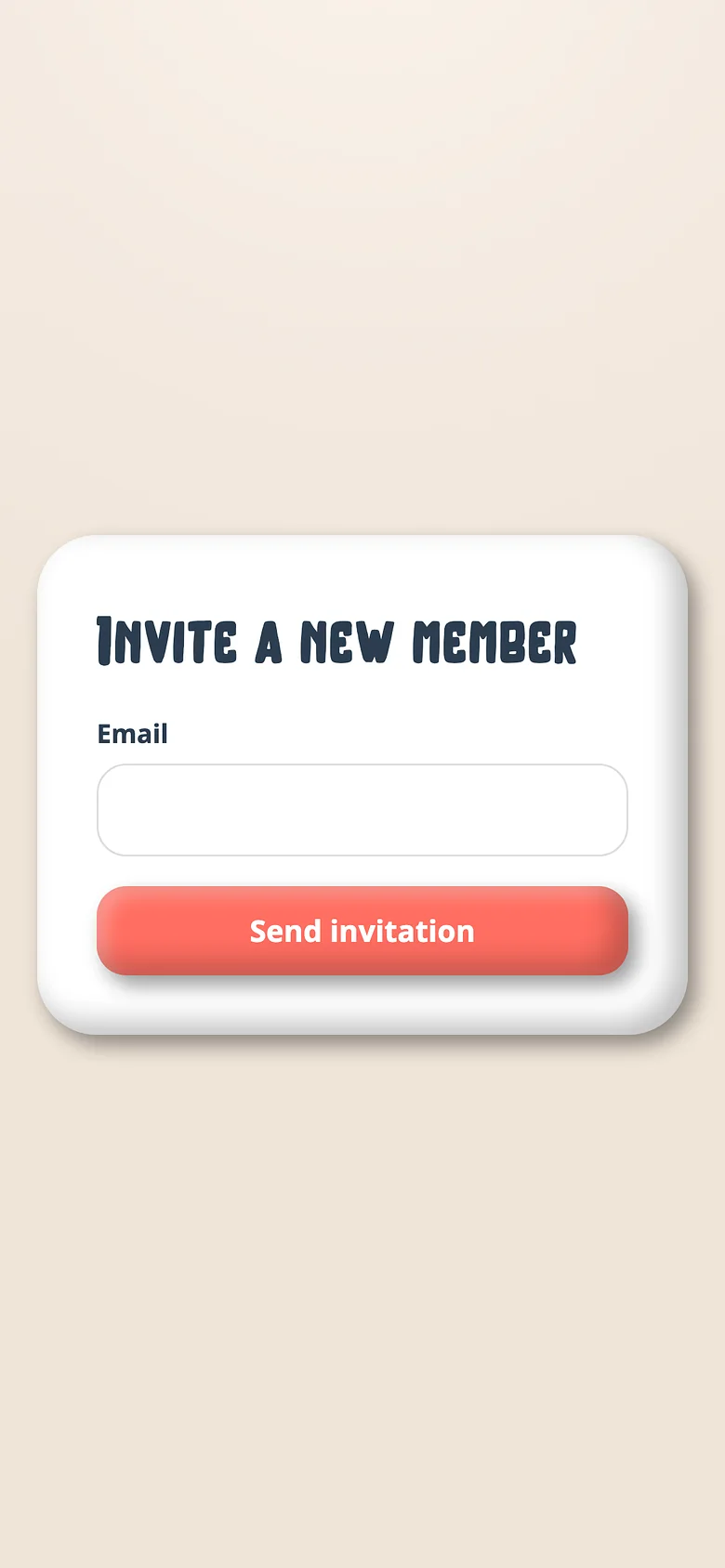
Tap Invite, enter their email, choose Recording artist (records) or Admin (runs the family too). -
They open the link
They sign in with Google, Apple or a password, and they're in. They see the shelf and can record any book on it. -
Tell the kids
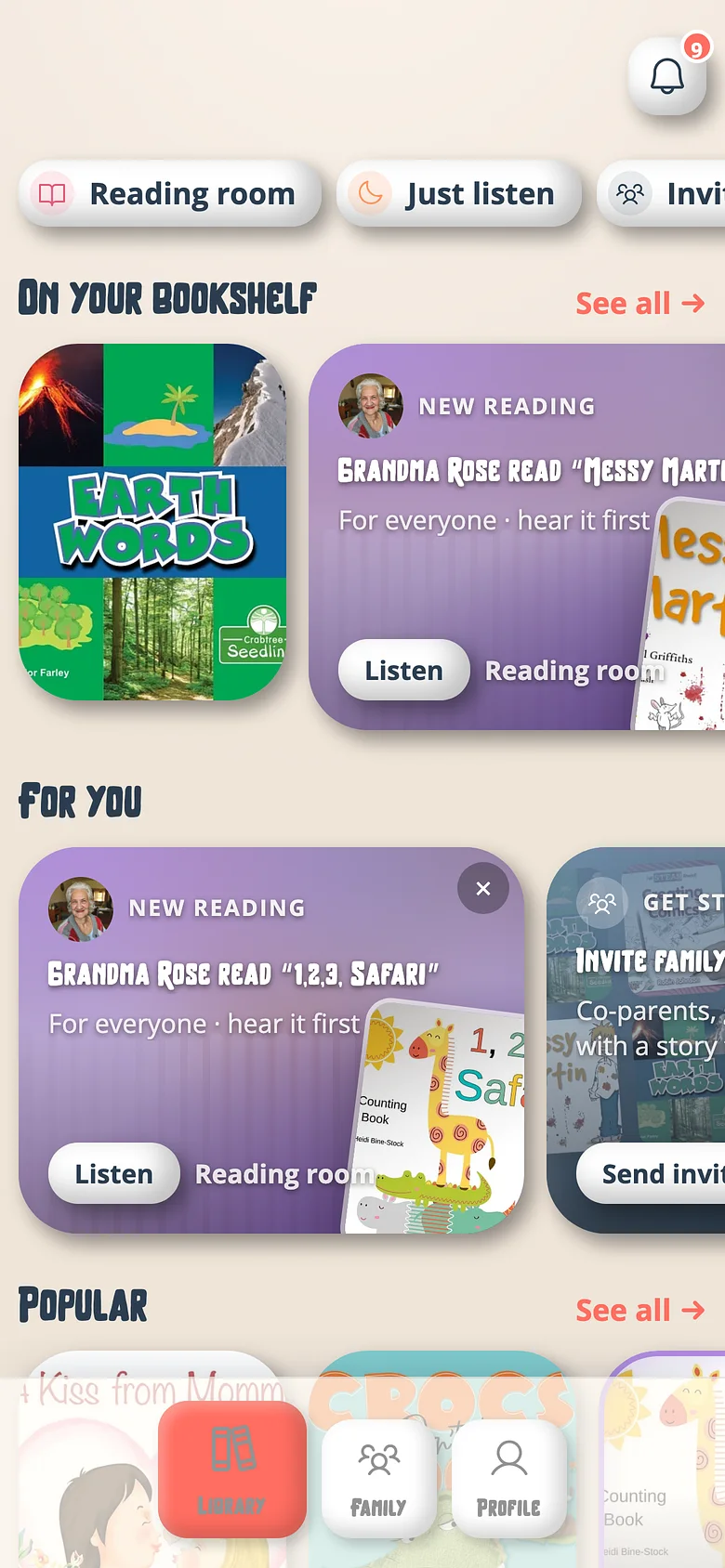
When Grandma publishes a book, it's on the shelf that night and the child she read it to is told. Two names: what the app calls her, and what the kids do.
Good to know
- A grandparent can be in more than one family — every set of grandchildren, one account.
- Grandma can ask for a book that isn't on the shelf yet; you approve with a tap.
Next
Add another admin
Admins run the family — shelf, plan, PIN, invitations. Recording artists only record. Both are free and unlimited.
Read the guideOpen a book to your recording artists
The shelf is the artists' permission list. A book on it is a book anyone in the family can record.
Read the guideRecord a book for a specific child
Every recording starts with one question. Most people miss it. Here's what it changes.
Read the guideTry it with a real book
Free to start. The first page takes a minute.