Account & devices
Sign in with Face ID or a fingerprint
The phone remembers you behind its own biometrics. It's never your only way in.
-
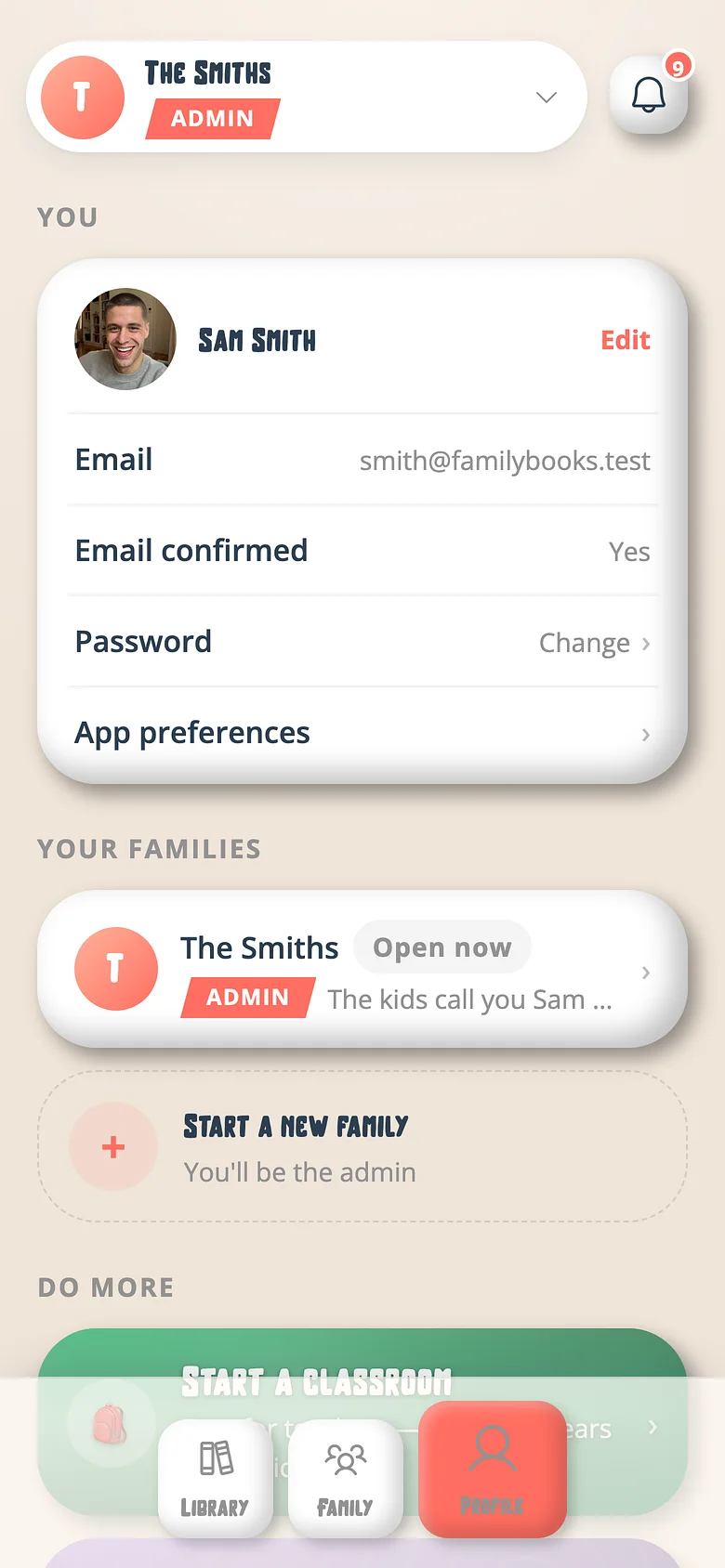
Profile → Sign-in
Turn on Face ID (or fingerprint). The phone locks a credential in its keychain. -
Next time
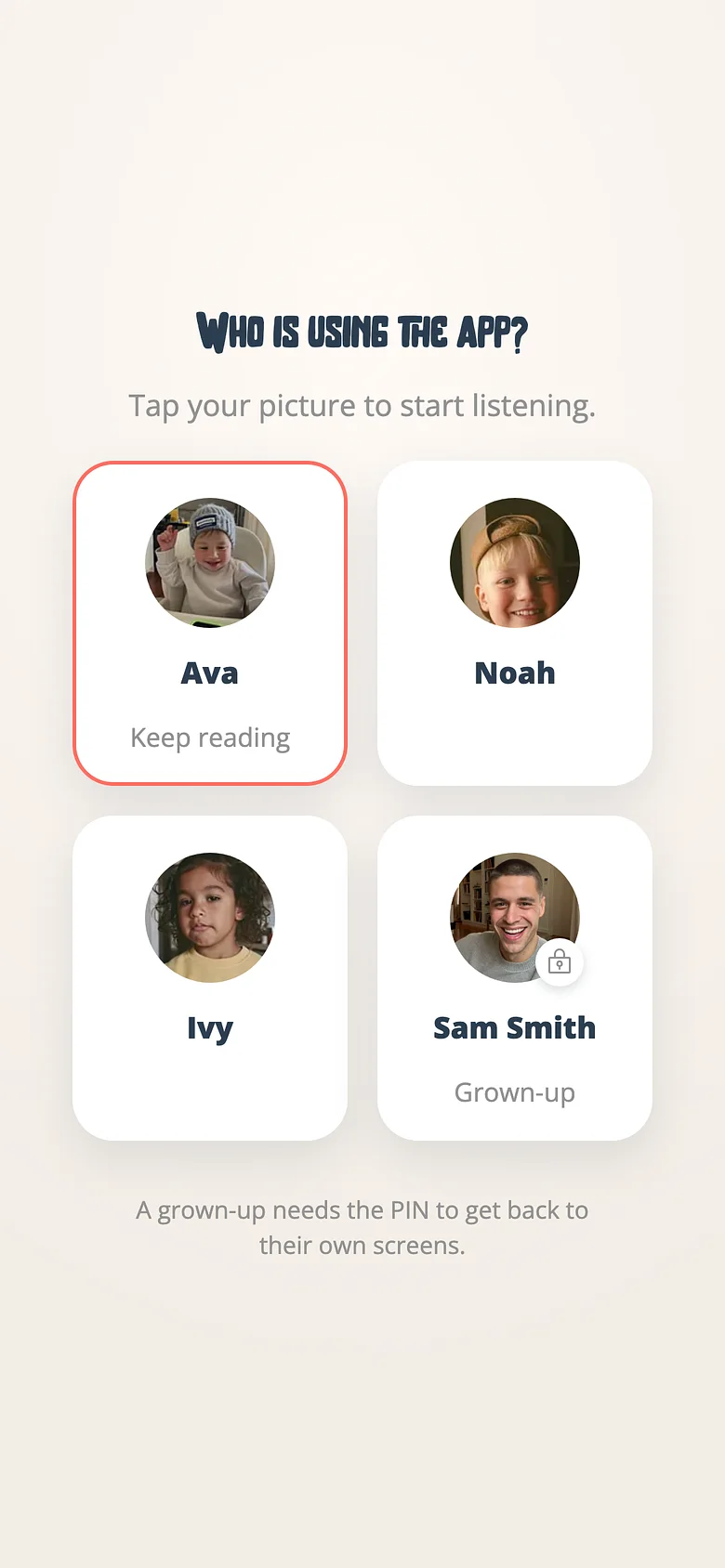
Open the app; it asks your face; you're in. Leaving a child's profile, it answers the PIN too.
Good to know
- You always keep a second door — Google, Apple, a passkey or a password — so a lost phone locks nobody out.
Try it with a real book
Free to start. The first page takes a minute.